Plugins

Small, open-source plugins for Ghost that add common blog features with a single line of code injection. No theme editing, no build step, and nothing to self-host: each one loads from a CDN. All are MIT licensed.
List of Plugins
Every plugin below has a live demo where you can tweak the options and copy the exact install snippet.
ghost-toc-plugin
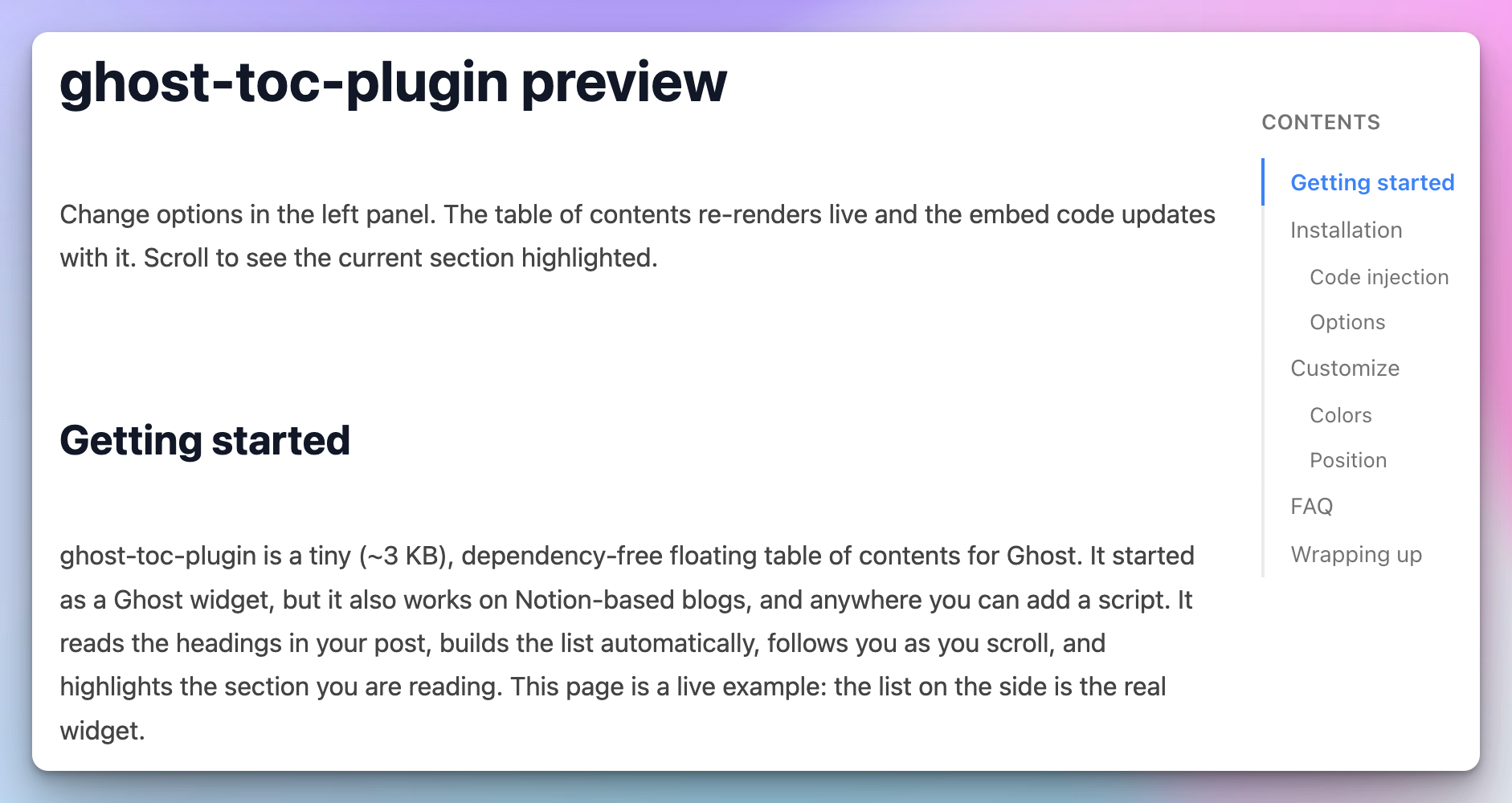
A floating table of contents that reads your post headings and tracks your scroll position, folding away on narrow screens.

ghost-progress-plugin
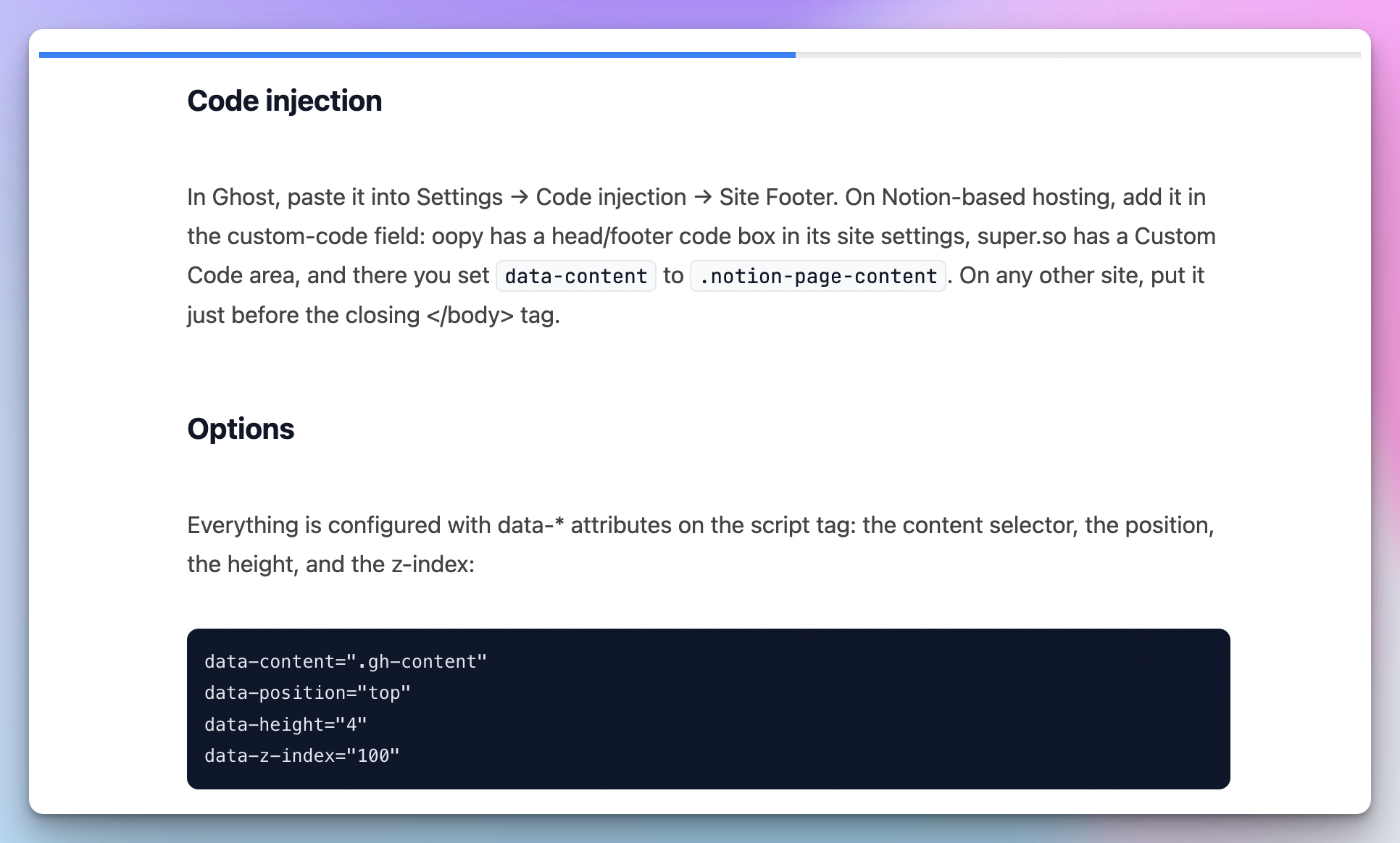
A thin reading progress bar at the top or bottom of the page, coloured to match your theme accent by default.
ghost-giscus-plugin
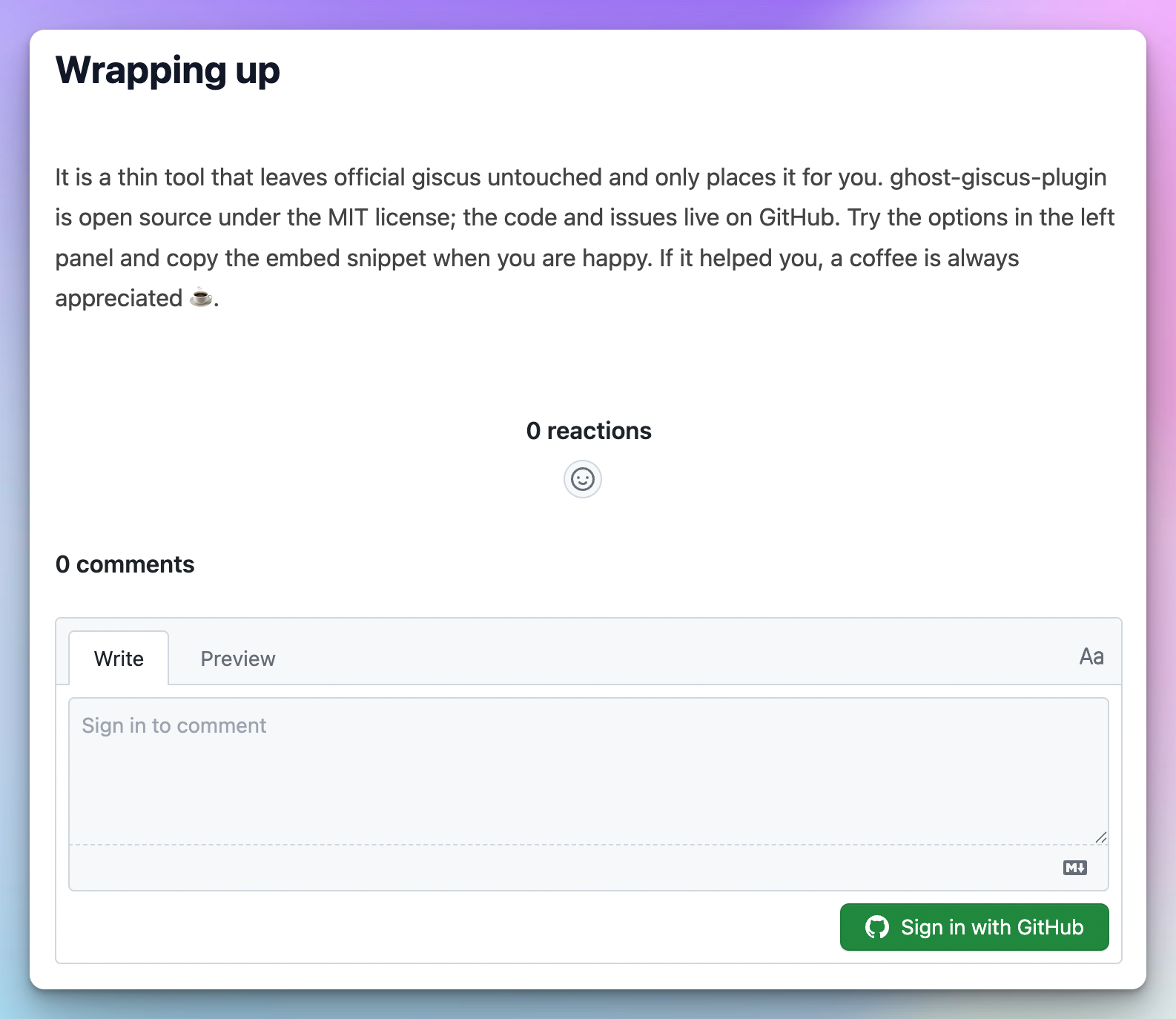
Keeps the official giscus script as it is and lets you choose where comments mount, for example right after the post or in place of the theme's native comments block.
List of Demos
These are live pages with the plugins installed. Anywhere you can add one line of HTML to the page runs them, so the same snippets reach far beyond the platforms below. I have verified each of these. Others such as super.so or Webflow should work the same way, but they usually keep custom-code injection behind a paid plan, so I have not tested them.
One thing to adjust per platform: the widgets look for the article body through data-content. If the widget does not appear, open the plugin's demo page, set data-content to your theme's content element, and copy the updated snippet.
Ghost
Self-hosted Ghost, the platform these plugins were first built for, so everything works out of the box. Paste the snippet into Settings, then Code injection, then Site Footer, and it applies to every post.
https://tech.greedylabs.kr/ghost-table-of-contents-widget/
 Daeho Ro
Full code I have injected this ghost blog is:
<!-- GreedyLabs TOC -->
<link rel="stylesheet" href="https://cdn.jsdelivr.net/gh/GreedyLabs/ghost-toc-plugin@1/toc.css">
<script src="https://cdn.jsdelivr.net/gh/GreedyLabs/ghost-toc-plugin@1/toc.min.js"
        data-content=".gh-content"
        data-headings="h2,h3"
        data-position="right"
        data-title="목차"></script>

<!-- GreedyLabs Progress -->
<link rel="stylesheet" href="https://cdn.jsdelivr.net/gh/GreedyLabs/ghost-progress-plugin@1/progress.css">
<script src="https://cdn.jsdelivr.net/gh/GreedyLabs/ghost-progress-plugin@1/progress.min.js"
        data-content=".gh-content"
        data-position="top"></script>

<!-- GreedyLabs Giscus -->
<script src="https://cdn.jsdelivr.net/gh/GreedyLabs/ghost-giscus-plugin@1/giscus-mount.min.js"
        data-target=".gh-content"
        data-place="after"
        data-class="gh-comments gh-canvas"
        data-padding-bottom="48"></script>
<script src="https://giscus.app/client.js"
        data-repo="GreedyLabs/giscus-comment"
        data-repo-id="R_kgDOTHbOrw"
        data-category="tech.greedylabs.kr"
        data-category-id="DIC_kwDOTHbOr84DAEUC"
        data-mapping="pathname"
        data-strict="1"
        data-reactions-enabled="1"
        data-emit-metadata="0"
        data-input-position="top"
        data-theme="light"
        data-lang="ko"
        data-loading="lazy"
        crossorigin="anonymous"
        async>
</script>
WordPress
Self-hosted WordPress. The safest place is a headers-and-footers plugin such as WPCode or Insert Headers and Footers, which survives theme updates.
https://demo-wordpress.greedylabs.kr/ghost-plugins
 ghost-plugin-demo
Hugo
A static site generator, so there is no admin panel and you edit the theme's templates instead. Add the snippet to the layout that wraps every page, layouts/_partials/footer.html, then rebuild and deploy. Many Hugo themes use article for the post body, so check data-content if nothing shows.
https://demo-hugo.greedylabs.kr/posts/ghost-plugins/

Tistory
A Korean blog platform. Open the blog admin, then 꾸미기, then 스킨 편집, then 'html 편집', and paste the snippet just after the <footer> tag. Tistory skins vary a lot, so you will often need to set data-content to the skin's article wrapper.
https://ghost-plugins-demo.tistory.com/1
 GreedyLabs Demo
Blogger
Google's blog platform. Open Theme, then the arrow next to Customise, then Edit HTML, and paste the snippet just after the </main> tag. Blogger posts usually sit in .blog-posts, so set data-content accordingly.
https://ghost-plugins-demo.blogspot.com/2026/07/ghost.html
 GreedyLabs Demo